Road Trip Vehicle Maintenance Tips
Kory Rozema • March 4, 2025
Road Trip Vehicle Maintenance Tips
Embarking on a road trip is an exciting way to explore new destinations, create memories, and enjoy the freedom of the open road. However, nothing can derail your adventure faster than a vehicle breakdown. Proper vehicle maintenance is key to ensuring your trip goes smoothly, keeping you safe and saving you from unexpected repair costs. Whether you're driving across state lines or venturing into remote areas, these essential vehicle maintenance tips will help you prepare your car for the journey ahead.
1. Start with a Pre-Trip Inspection
Before hitting the road, give your vehicle a thorough once-over or take it to a trusted mechanic for a professional inspection. A pre-trip checkup can identify potential issues before they become emergencies. Focus on critical components like the engine, brakes, tires, and fluids. Many auto shops, such as those at Rozema's Car Care, offer comprehensive inspection services to ensure your vehicle is road-trip-ready. Addressing small problems now can prevent big headaches later.
2. Check Your Tires
Your tires are your vehicle’s only connection to the road, so their condition is non-negotiable. Start by checking the tread depth—use the penny test: insert a penny into the tread with Lincoln’s head facing down. If you can see the top of his head, it’s time for new tires. Next, inspect for uneven wear, cracks, or punctures. Don’t forget to check the tire pressure, including the spare, using the recommended PSI found in your owner’s manual or on the driver’s side door jamb. Underinflated or overinflated tires can reduce fuel efficiency and compromise safety.
Rotate your tires if it’s been a while since your last service—typically every 6,000 to 8,000 miles—to ensure even wear. If you’re unsure about your tire condition, consult a professional at a service center like Rozema's Car Care for expert advice or replacement.
3. Test Your Battery
A dead battery can leave you stranded, especially in remote areas with no cell service. Most car batteries last three to five years, but heat, cold, and frequent short trips can shorten their lifespan. Before your road trip, test the battery’s charge with a voltmeter or have it checked at an auto shop. Look for corrosion on the terminals and clean them with a wire brush if needed. If your battery is nearing the end of its life, replace it proactively to avoid mid-trip surprises.
4. Inspect Fluids and Top Them Off
Your vehicle relies on various fluids to run smoothly, so checking and topping them off is a must. Start with the engine oil—look at the dipstick to ensure it’s at the proper level and note its color. Dark, gritty oil may indicate it’s time for a change. Next, check the coolant to prevent overheating, especially if you’re driving through hot climates or mountainous terrain. Transmission fluid, brake fluid, power steering fluid, and windshield washer fluid should also be inspected and refilled as needed. Bring extra fluids along for the trip in case you need to top off on the go.
For a professional oil change or fluid check, consider scheduling a visit to Rozema's Car Care before departure.
5. Evaluate Your Brakes
Reliable brakes are critical for safe driving, especially on long trips with varying road conditions. Listen for squeaking, grinding, or vibrations when you brake—these are signs your brake pads may need replacement. Check the brake fluid level and look for leaks under the vehicle. If your brakes feel spongy or unresponsive, have them inspected immediately. A well-maintained braking system ensures you can stop confidently, whether you’re navigating steep declines or sudden traffic.
6. Ensure Lights Are Working
Visibility is essential, particularly if you’ll be driving at night or in poor weather. Test all your lights—headlights, taillights, brake lights, turn signals, and hazard lights—to confirm they’re functioning. Replace any burnt-out bulbs and clean the lenses if they’re cloudy or dirty. Carry spare bulbs in your glovebox as a precaution. Properly working lights not only help you see the road but also make your vehicle visible to others.
7. Pack an Emergency Kit
Even with meticulous preparation, emergencies can happen. Assemble a roadside emergency kit to handle minor issues and keep you safe while awaiting help. Include jumper cables, a tire repair kit, a jack and lug wrench, a first-aid kit, a flashlight with extra batteries, reflective triangles or flares, and basic tools like a screwdriver and wrench. Add blankets, water, and non-perishable snacks in case you’re stuck for hours. A portable phone charger is also a smart addition to stay connected.
8. Check the Air Conditioning and Heating Systems
Comfort is key on a long drive, and a malfunctioning climate control system can make your trip miserable. Test your air conditioning and heater well before your departure to ensure they’re blowing cold and hot air as needed. If the AC is weak or the heater isn’t warming up, it could indicate low refrigerant or a more serious issue. Address these problems early—shops like Rozema's Car Care can diagnose and fix climate control issues efficiently.
9. Inspect Belts and Hoses
The belts and hoses under your hood are vital to your vehicle’s operation, powering everything from the alternator to the cooling system. Look for cracks, fraying, or brittleness in the rubber components. A squealing noise when you start the engine might signal a loose or worn belt. Replacing these parts is relatively inexpensive compared to the cost of a breakdown, so don’t skip this step. If you’re not comfortable inspecting them yourself, a mechanic can handle it during your pre-trip service.
10. Update Your Navigation and Communication Tools
While not a mechanical component, your navigation system is just as important for a successful road trip. Ensure your GPS or smartphone apps are updated with the latest maps, and consider a physical road atlas as a backup. Check your phone’s signal strength in the areas you’ll be traveling through—some rural routes may have spotty coverage. A CB radio or satellite communicator can be a lifesaver in remote regions.
11. Test Wipers and Replace Blades
Weather can change quickly on a road trip, and worn wiper blades can leave you struggling to see in rain or snow. Test your wipers and washer fluid system, replacing blades if they streak or skip. Blades typically need replacing every six to twelve months, depending on use and climate. Carry an extra set in your trunk for emergencies.
12. Plan Your Route and Service Stops
Finally, map out your route and identify service stations along the way. Long stretches without gas stations or repair shops can catch you off guard, especially in rural areas. Fill up your tank when it reaches half-empty rather than waiting until the last minute. If you’re near a trusted provider like Rozema's Car Care before starting your journey, stop in for a final check or last-minute adjustments.
Final Thoughts
A well-maintained vehicle is the foundation of a successful road trip. By taking the time to inspect and prepare your car, you’ll reduce the risk of breakdowns and enjoy peace of mind as you travel. Whether you’re a DIY enthusiast or prefer professional help, addressing these maintenance tasks ensures your adventure stays on track. For expert assistance, consider scheduling a service with Rozema's Car Care to get your vehicle in top shape. With your car ready and your bags packed, all that’s left is to hit the road and make unforgettable memories. Safe travels!

See a brake warning light and not sure what to do? Learn what each dashboard light means, how urgent it is, and what your next step should be.
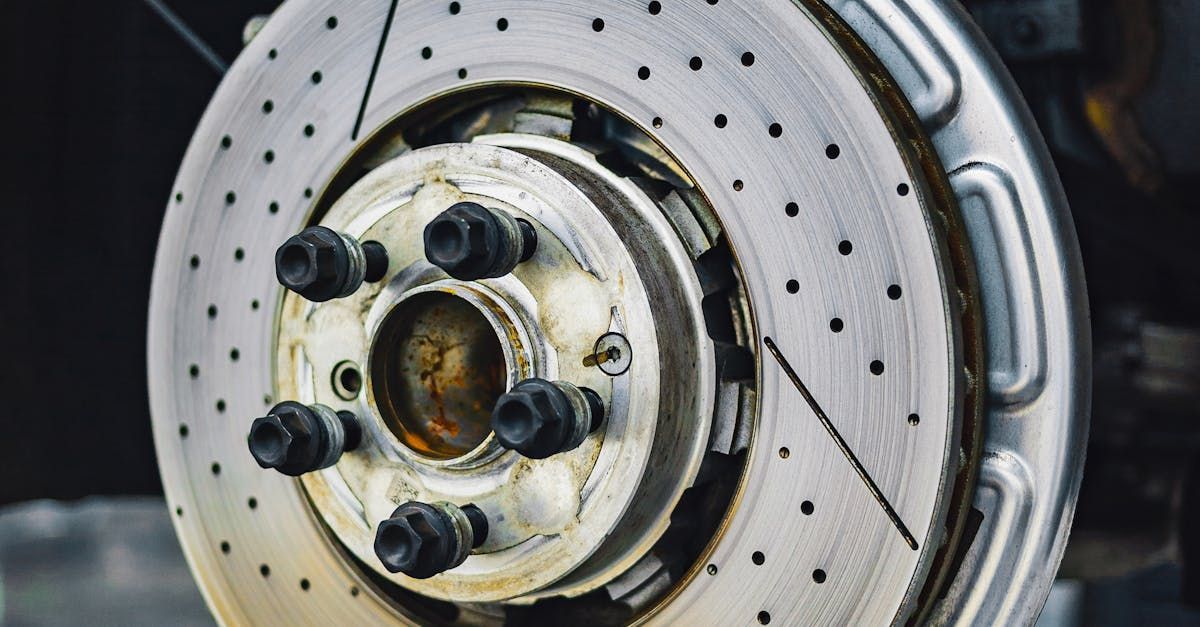
TLDR True rotor warping is rare; what most drivers feel as a pulsing pedal is usually disc thickness variation caused by uneven heat cycles. Grooved rotors are a separate problem caused by metal-on-metal contact when pads wear past their friction material. Both conditions affect braking safety and stopping distance and should be diagnosed with proper measurement rather than a visual estimate. If you have ever noticed a pulsing sensation in your brake pedal or felt vibration when slowing down, there is a good chance someone told you your rotors were warped. It is one of the most common phrases in the brake world, and it is also one of the most misused. True rotor warping, where a rotor physically bends out of flat, does happen, but it is far less common than most drivers assume. What most people experience as warped rotors is usually disc thickness variation, where the rotor surface becomes uneven in thickness due to uneven heat cycles or uneven pad material deposits. The result feels similar to warping but the cause and the repair path are different. Grooved rotors are a different problem entirely. Understanding the distinction matters because each condition has different safety implications. What Are Grooved Rotors? Grooves in a rotor surface are caused by metal-on-metal contact. When brake pads wear past their friction material, the steel backing plate contacts the rotor directly. That metal-on-metal contact cuts grooves or scoring into the rotor surface. This is the scenario behind the grinding noise you hear when braking hard. The sound is not just a warning that pads are worn. It means damage is actively happening to the rotor with every stop. Grooved rotors can sometimes be resurfaced if the damage is shallow and the rotor still has sufficient thickness above the manufacturer's minimum specification. If the grooves are deep or the rotor is at minimum thickness, replacement is the right call. We see grooved rotor damage regularly in the spring at our Hudsonville shop. Vehicles that developed a worn pad over winter but were not brought in often arrive with rotors that could have been resurfaced two months earlier but now require replacement. Catching worn pads before they reach the metal backing plate is always the less expensive outcome. What Are Warped Rotors? The term "warped" implies a physical deformation of the rotor, a bend or curve that puts the surface out of true. In practice, this type of deformation is rare in normal passenger vehicles. What most people experience and describe as warped rotors is disc thickness variation. As a rotor heats and cools through braking cycles, if heat is applied unevenly, from a sticking caliper, improper bedding after new pad installation, or leaving the vehicle stationary with hot brakes applied, pad material can transfer unevenly to the rotor surface. Some areas become slightly thicker than others. When those thick spots contact the pad during rotation, you feel a pulsing through the pedal and sometimes through the steering wheel. It mimics the sensation of a physically bent rotor, but the root cause is surface irregularity, not deformation. Disc thickness variation can sometimes be corrected through resurfacing if the rotor has enough material remaining. In other cases, particularly when the variation has also caused hard spots in the rotor surface, replacement is the better long-term choice. In our experience, drivers are often surprised to learn that true physical rotor warping is rarely what we confirm on the lift. The majority of pulsation complaints we diagnose trace back to uneven pad material deposits or irregular heat cycles rather than a physically deformed rotor. That distinction matters for the repair recommendation, and getting it right means fewer unnecessary part replacements. How Each Condition Affects Braking Safety Both grooved rotors and disc thickness variation reduce your braking effectiveness, but in different ways. Grooved rotors reduce the contact area between the pad and rotor surface, which means less friction per stop and longer stopping distances. Deep grooves also cause inconsistent braking force as the pad rides over the ridges. Disc thickness variation causes pedal pulsation that can feel alarming and reduce driver confidence during emergency stops. In vehicles with ABS, uneven rotor surfaces can affect how wheel speed sensors read rotation, which in turn affects how the ABS system responds. Replacement brake disc standards such as ECE R90 include testing requirements for lateral runout and disc thickness variation precisely because those measurements affect braking system performance. ATE Brakes , one of the leading OEM brake component manufacturers, publishes technical guidance on how these quality standards apply to replacement disc specifications, which helps explain why rotor surface uniformity matters beyond just the symptom level. Neither condition is safe to drive on long-term. Both can be caught and corrected with a proper inspection and a micrometer measurement of rotor thickness and runout. What a Proper Rotor Diagnosis Looks Like When a customer comes in reporting pedal pulsation, vibration, or grinding, our ASE-certified technicians do not stop at a visual check. We measure rotor thickness at multiple points around the surface and check lateral runout to determine whether you have surface irregularity, thickness variation, or physical damage. Those measurements tell us whether a rotor can be resurfaced and still meet minimum thickness specifications, or whether replacement is the right call. They also help us identify whether a sticking caliper or worn hardware contributed to the problem, because if the underlying cause is not addressed, the same problem returns on new rotors. ASE certification is the nationally recognized standard for automotive service excellence. Our technicians hold this credential and apply that training to every brake inspection we perform in Hudsonville. We have been diagnosing and repairing brake issues for drivers across Hudsonville, Jenison, Grandville, and the greater Grand Rapids area since 1975. A proper diagnosis up front saves money over replacing parts without understanding why they failed. FAQs Can I drive with grooved rotors if my brakes still feel okay? Grooved rotors mean the pad's metal backing plate has contacted the rotor surface. Even if braking feels functional, ongoing metal-on-metal contact causes more rotor damage with every stop. What is resurfaceable today can become a full replacement in a matter of weeks. We recommend not delaying once grinding begins. Will resurfacing fix disc thickness variation? In many cases, yes. If the rotor has enough material remaining above minimum thickness and the surface irregularity is not severe, resurfacing can restore a smooth, uniform surface. We check rotor thickness before recommending resurfacing versus replacement so you are not spending money on a part that will not deliver the expected service life. How do I know if a sticking caliper caused my rotor damage? A sticking caliper often causes uneven pad wear on one side of the rotor compared to the other, or accelerated wear on just one wheel. It can also cause a burning smell after driving at normal speeds. Our inspection checks caliper slide pins and hardware as part of any rotor diagnosis, because fixing the rotor without the caliper means the same problem typically returns. If you are hearing grinding, feeling pedal pulsation, or just not sure what is going on with your brakes, stop in and let us take a look. Our team can measure and diagnose the issue quickly and give you a clear explanation of what needs to be done. Request a brake inspection or walk in any time. Our Location Rozema's Car Care Address: 2844 Port Sheldon St, Hudsonville, MI 49426 Phone Number: (616) 669-6630 Hours: Mon/Tue/Thu 8:00 AM to 5:30 PM, Wed/Fri 8:00 AM to 5:00 PM, Sat-Sun Closed

See a brake warning light and not sure what to do? Learn what each dashboard light means, how urgent it is, and what your next step should be.
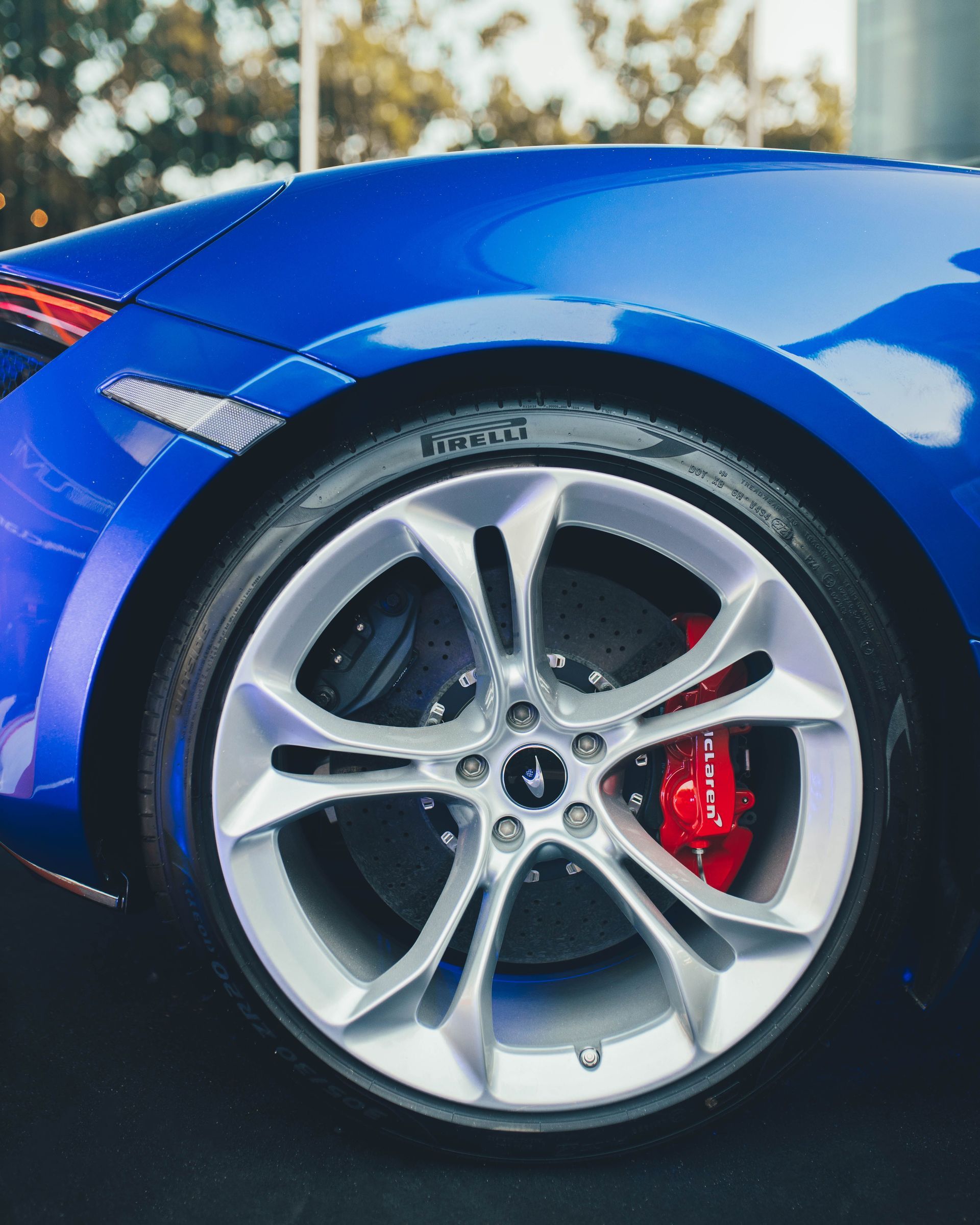
Front brake pads wear significantly faster than rear pads. Learn why weight transfer causes the difference and what it means for your next brake service in Hudsonville.

Not sure which brake pads are right for your vehicle? Learn the real difference between ceramic and semi-metallic pads and which performs best for your driving style.

Brake fluid absorbs moisture over time and loses its ability to perform. Learn why brake fluid service matters and how often Hudsonville drivers should have it done.

Michigan winters are tough on your brakes. Road salt, potholes, and freeze-thaw cycles wear brake parts faster. Learn the warning signs Hudsonville drivers should watch for.
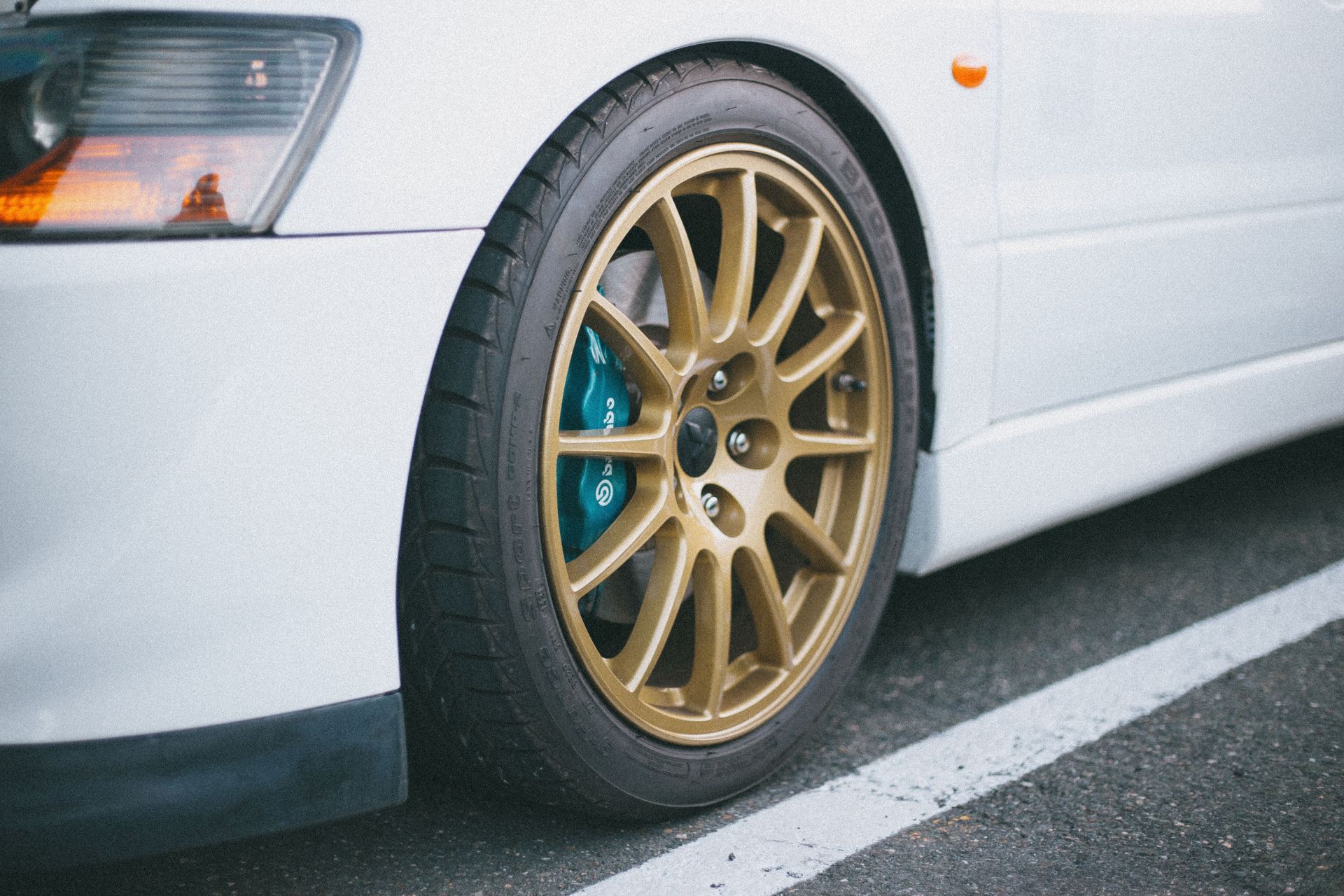
The honest answer to how long brake pads last depends on more than mileage. Learn what actually wears pads faster and when to schedule your next brake inspection.
Brake-by-wire systems are replacing traditional hydraulics in newer vehicles. Here is what Hudsonville drivers should know before their next brake service.

Brake dust is a bigger air quality problem than most drivers realize. Learn what Hudsonville mechanics want you to know about safer brake pad options.